How many H2 tags should I have on a page? Is there a limit? When should I use an H2 instead of an H3 or H1?
These are all questions we get from clients wanting to know how best to structure their content. There’s a lot of conflicting information online about H2 tags – when to use them, how many to use, and what to avoid. To make things simple, we’ve compiled the questions we’re asked most often, along with the approach we apply to our own site and to our clients’ websites.
What is an H2 Tag?
An H2 is a heading tag used to create hierarchy on a web page. Heading tags run from H1 down to H6, in descending order of prominence within the page structure.
That doesn’t mean your headings have to run H1, then H2, then H3 in strict sequence. It means an H2 sits below an H1 in terms of how it breaks up your content, and an H3 sits below an H2 – typically used as a subheading within an H2 section.
An H2 Tag is NOT a styling attribute
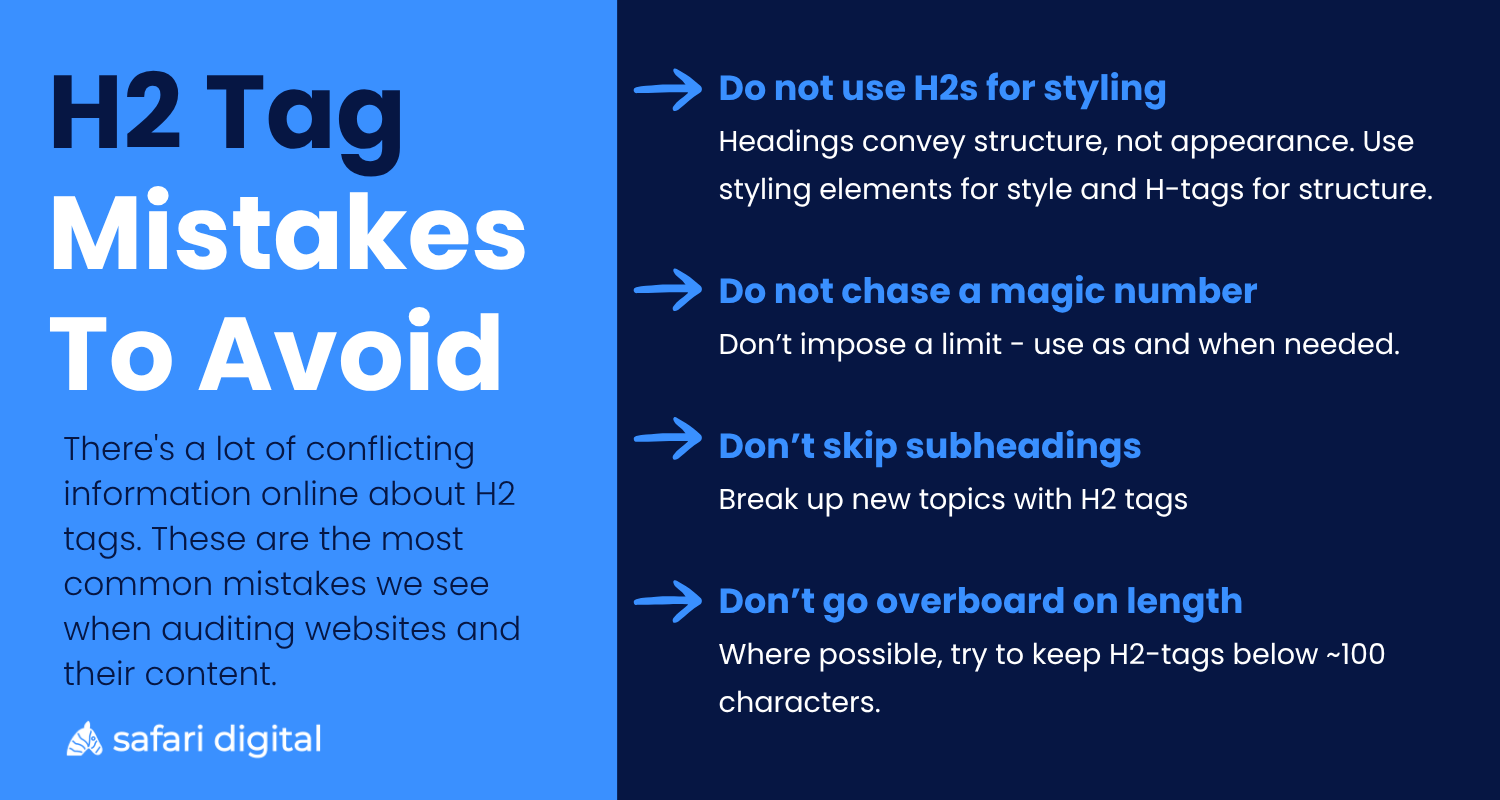
One of the biggest mistakes we see is people using heading tags as a styling attribute. It’s entirely possible to have larger text on a page without wrapping it in a heading tag.
Using heading tags for visual styling rather than structure makes the hierarchy of your page unclear and creates confusion for search engines. Headings should describe the structure of your content, not control how it looks.
Is there a limit to the number of H2 tags I should use?
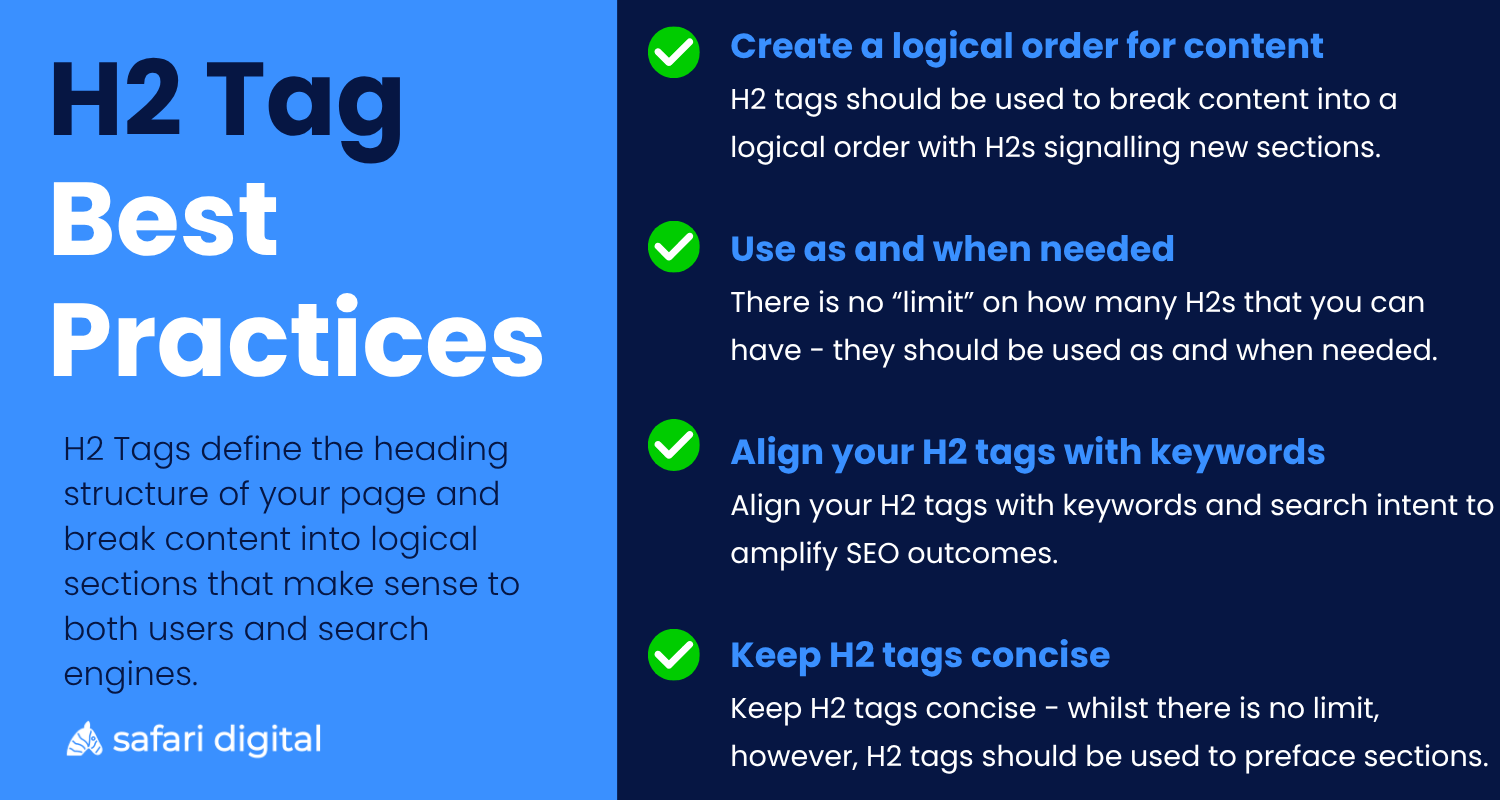
There’s no limit to the number of H2 tags you can use on a web page, and no magic number you should be aiming for.
A long page covering a broad range of subtopics will naturally use more headings and require more H2 tags to break up and format that content than a short page covering a single topic. The number of H2 tags you use should follow the structure and content of the page itself.
Don’t impose a number based on something you read online. That isn’t how headings work, and it isn’t how search engines expect pages to be structured.
What is the purpose of an H2 tag?
The purpose of an H2 tag is to define the heading structure of your page and break up content into logical sections that make sense to both users and search engines.
The easiest way to think about an H2 tag is using the book chapter analogy. The book has one title, which is your H1. Each chapter within it gets its own heading, which is your H2, and within those chapters there may be sections which are broken up into other H-tags (H3-H6). Let’s not digress too much into those other tags, let’s stay focussed on H2 tags.
In practice, H2 tags serve three purposes
1. H2 tags create a logical structure for your content
2. H2 tags improve readability for users and crawlability for search engine
3. H2 tags make a page easier to navigate and scan
How many H2 tags should I have on each page?
You should have as many H2 tags as you need to structure your content into a logical hierarchy that makes sense for both users and search engines.
As mentioned above, you shouldn’t be aiming for a specific number, and you shouldn’t restrict yourself to two or three before dropping into H3, H4, and H5 tags.
There’s no limit to how many H2 tags you can use, but they should be relevant to the length and subject matter of your page. Every time you move into a new topic or subtopic, break it up with an H2 to signal to users and search engines that a new section of information is starting.
How long/how many characters should an H2 tag be?
There is no character limit on an H2 tag.
Unlike a meta description, which typically gets truncated around 155 characters, or a page title, which usually truncates past roughly 60 characters on most screens, your H2 isn’t displayed in the SERPs, so you don’t have to worry about the same issue.
That said, it’s worth remembering what an H2 is for. It isn’t there to bold or highlight a passage of text – it’s there to break your content into digestible sections that make sense to the reader.
From an SEO perspective, your H2 tags should ideally align with keywords and search intent, so you’re making the most of the page’s potential.
While we’d never impose a fixed limit, logic suggests an H2 shouldn’t run much longer than a single line on a standard screen. Anything beyond roughly 100 characters is getting long, and at that point it’s probably not doing the job of a heading anymore.
Final thoughts
Just like each chapter has a subheading, each section of your text which covers a new idea or topic should have an H2 at the beginning in order to break it up.
There’s no limit on the number of H2s that you can have on a page, but the biggest mistake that we see when we’re auditing websites is people using H2s as styling elements.
You can wrap text in styling elements without needing to use heading tags to change the appearance on the page. Remember to use H2 tags as structural, not styling, elements on your page, and to use them in a logical way that conveys structure to users and to search engines and makes it easy for content to be skimmed and read.