Optimising images for search doesn’t just improve the user experience, it can also help to increase visibility in the image results and Google’s AI Overviews (AIO).
SEO image optimisation strikes the balance between what users want and what search engines need to understand your images. Properly optimised images load faster, perform better, and form an important part of a holistic on-page SEO strategy.
1. Compress Your Images
One of the biggest SEO mistakes we see in website audits is images that haven’t been compressed.
Large, bulky, uncompressed images can dramatically slow down your website and provide a poor experience for users, which directly affects your ability to rank and generate organic traffic.
Site speed doesn’t just impact your SEO; it has a direct impact on the way that users interact with your website and whether or not they choose to stay on your website or bounce away because things are simply taking too long to load. Slow pages equal poor SEO performance; it really is that simple.
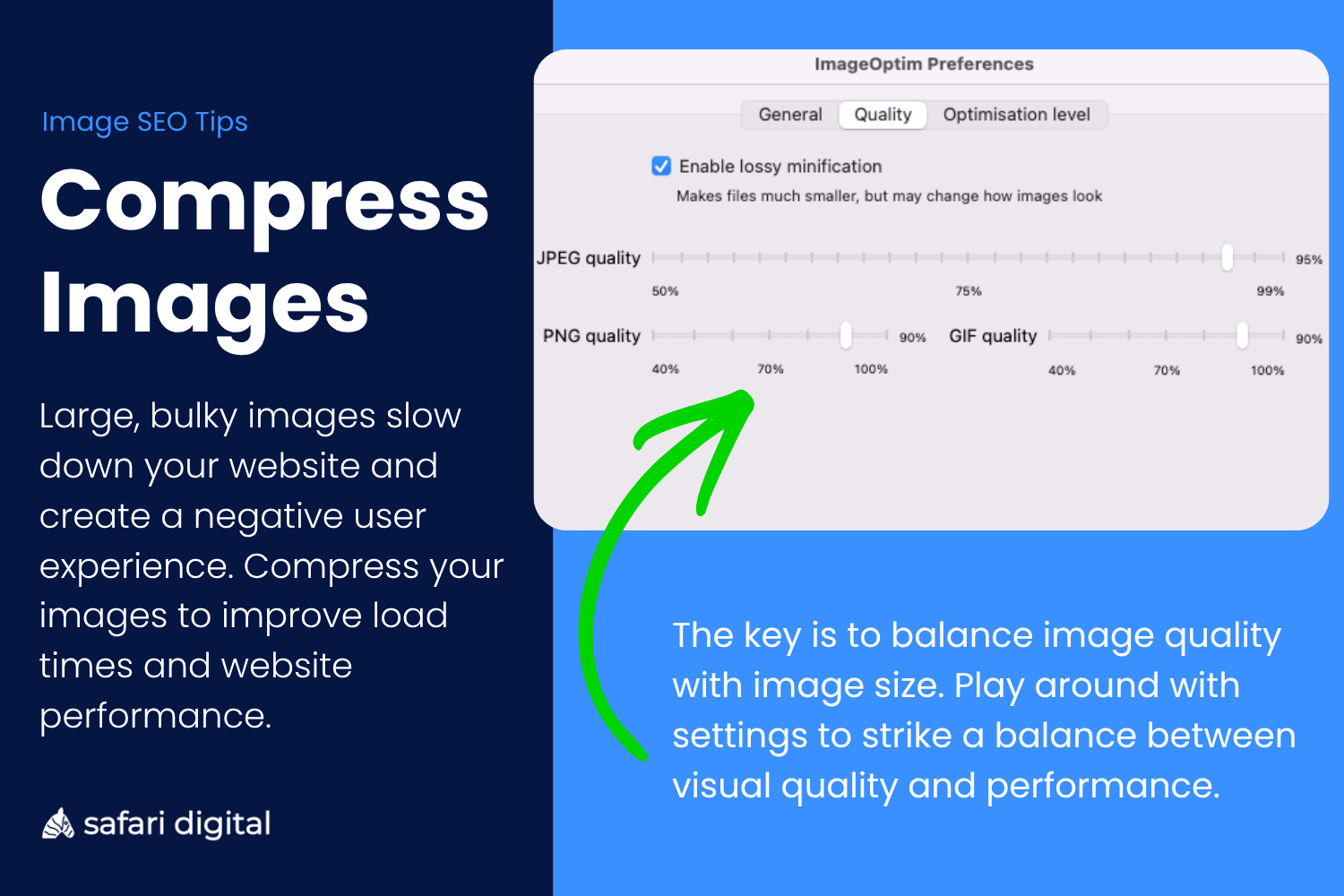
Pages that take longer than five seconds to load have a 55% bounce rate compared to those that take less than two seconds to load. Using an image compressor like ImageOptim before you upload your images is the simplest way to reduce your image file sizes and improve page load speeds, creating a better user experience and directly improving your SEO rankings.
2. Properly Size Your Images (Dimensions)
Oversized images are one of the biggest inhibitors of page speed and can directly impact your SEO performance. Just like uncompressed images, oversized images can significantly slow down the load time of your website which creates a poor user experience.
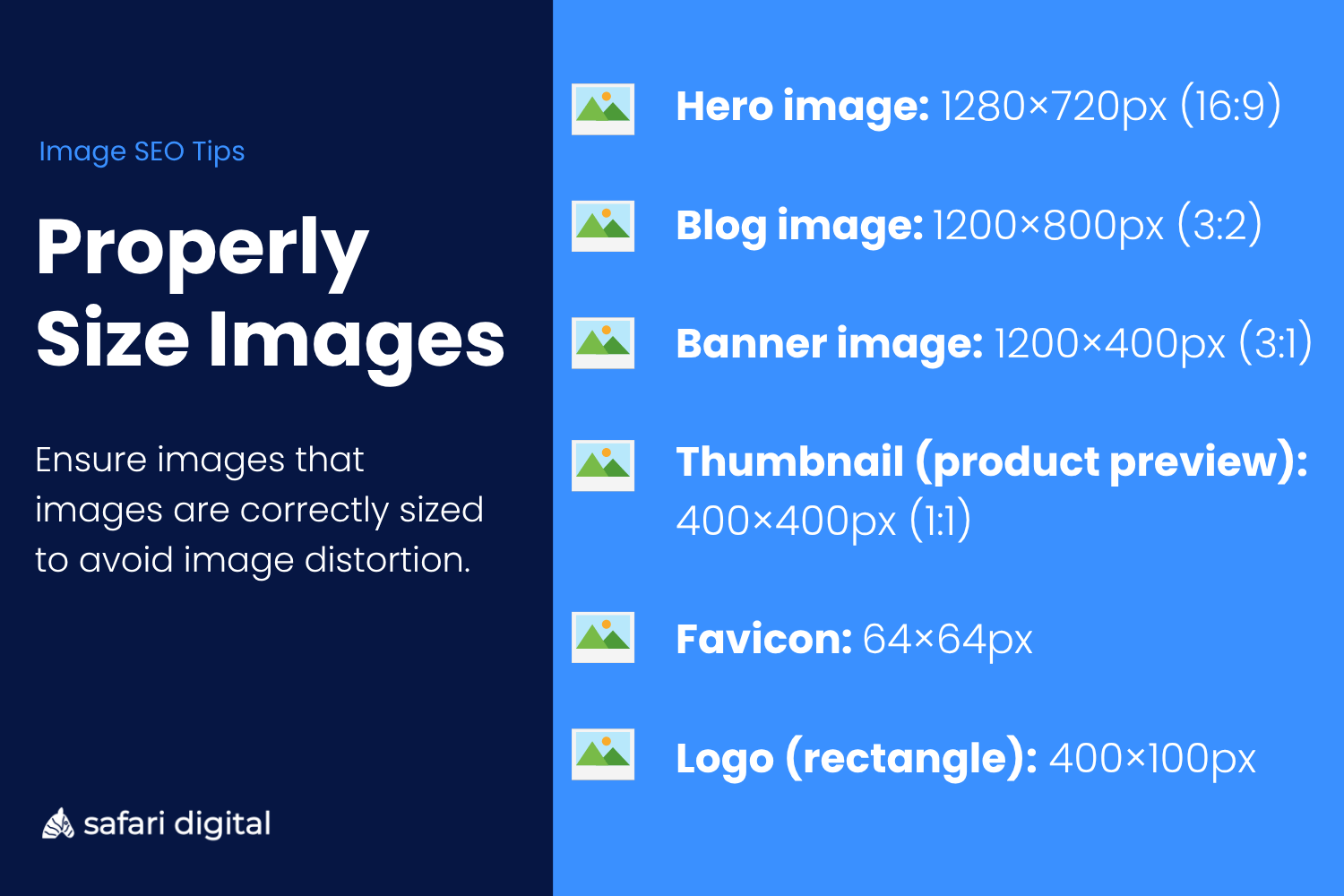
While there is no gold standard for the correct size of images, we generally say that images should be around 1200 x 900 px (4:3) as this is the correct size for features like Google Discover and ensures high quality across all devices including desktop, tablet, and mobile.
Recommended image sizes (minimum)
3. Optimise Image File Names
Make sure that you optimise image file names BEFORE you upload them to your CMS.
Your image file name should be descriptive to the image and can – we recommend that you do – use your keywords.
Google (and other search engines) use your image file name to help determine the context and purpose of an image without even looking at it. When your website is parsed as source code, the image file name tells search engine crawlers the context and purpose of an image.
Image file names should be separated by dash (-) or underscore (_) and convey what users can expect to find in the image.
Example of well optimised image file name of a Blue 2021 Ford Focus
- Blue-2021-ford-focus-image.jpg
Example of an improperly optimised image file name for of a Blue 2021 Ford Focus
- Car.jpg
The more descriptive and accurate, the better. Image file names are a key image ranking factor. Ensure images are uploaded with the correct name and format before uploading.
4. Choose Next-Gen File Formats
Google supports a wide range of file formats, including BMP, GIF, JPEG, PNG, WebP, SVG, and AVIF.
In most cases, WebP is the best choice for optimising site load times without sacrificing image quality. WebP images are around 25 – 35% smaller than a comparable JPEG or PNG with equal or better quality. WebP is ideal for hero images, galleries, and product images where high-fidelity matters.
This means high-quality images for users and provide faster page load speeds, which equals a better user experience and SEO performance.
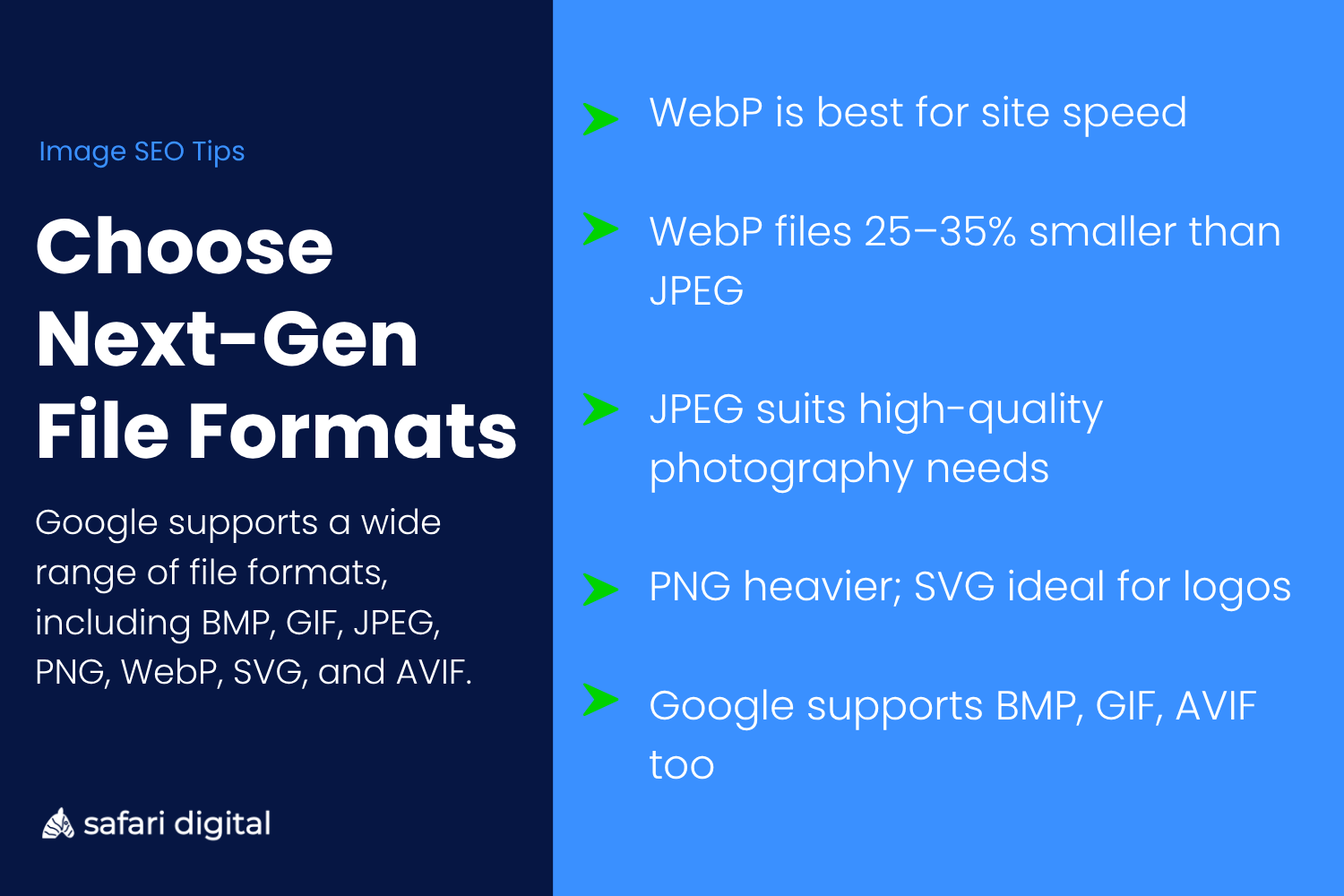
If your CMS does not support WebP, you can also opt for JPEG, which is great for high-quality photography, or PNG, which is also popular but is generally heavier than a comparative JPEG image. The SVG file format is good for logos and icons and can be scaled across multiple devices.
5. Use Text on Images
Ok – this is a bit of an SEO hack that is widely underreported.
Using text on your images – things like infographics – gives you an unfair chance of ranking well in the images and also increases your chances of having an image that is featured in Google’s AI Overviews.
Google’s Optical Character Recognition (OCR) technology means that it can read text on images the same way that it can read text in PDFs. Therefore, if you want your images to rank for the right keywords or search terms – then using those keywords on your image (in the form of an infographic) are an extremely effective way to do just that.
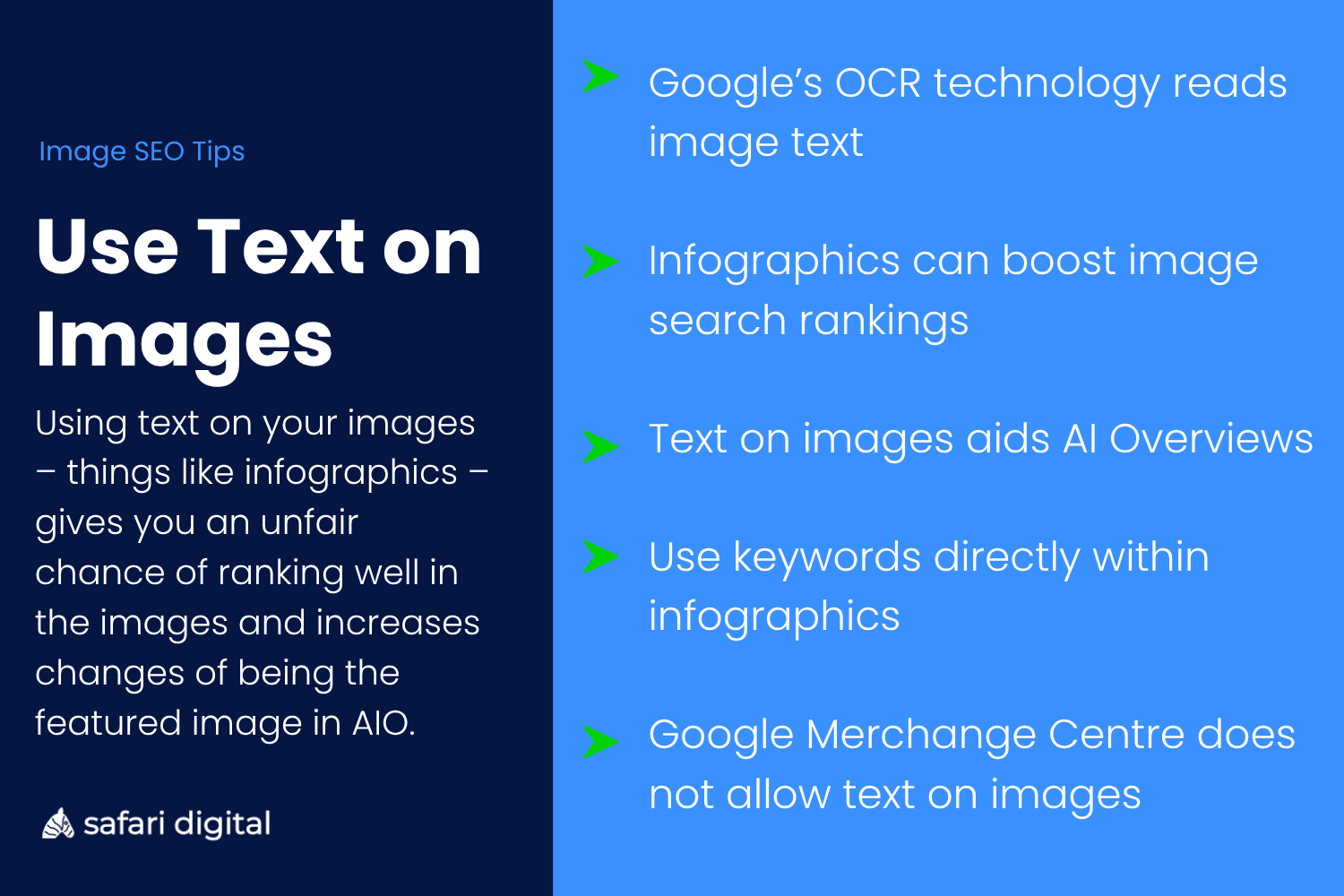
Using text on images won’t always be applicable. When you’re uploading images for eCommerce for instance, you can’t just add the SKU or product name to the image because Google Merchant Center does not allow product images that contain promotional text, logos, or any other kind of hidden text.
6. Image Alt Text
Alt text is not an SEO ranking factor.
It doesn’t matter what your automated SEO report or first-year SEO consultant working from their parents’ basement might tell you – image ALT Text does not affect how your page ranks in the organic search results.
Image Alt text is an accessibility factor. If your image is not available to load, then your image alt text will show in its place. Effectively, your image alt text should convey to users what the purpose of that image would have been in lieu of it being visible.
Google’s Search Central Advanced SEO document provides the following guidance around image alt text and SEO rankings:
“Google uses alt text along with computer vision algorithms and the page’s contents to understand the image’s subject matter.”
It’s important to stress that not every image needs Alt Text. Optimising image alt text is one of the most common tips in “Image optimisation for SEO” articles written by novices because it is a simple, SEO myth that has been floating around for years. There is a good reason that we have featured it at the bottom of this list.